

Both let you see inside the candle. The real question is whether you want the deepest order flow lens, or the most flexible trading cockpit.
ATAS and Quantower are the two platforms order flow traders argue about most, and for good reason. Both deliver professional footprint charts, depth-of-market analysis and volume profiling that standard charting software cannot touch. But they are built around different priorities. ATAS goes deepest on pure order flow. Quantower goes widest on brokers, assets and flexibility. This ATAS vs Quantower comparison breaks down exactly where each one wins so you can pick the right tool for how you actually trade.
Last updated 26 July 2026. Pricing for both platforms was verified directly against atas.net and quantower.com on that date. ATAS prices in euros, Quantower in US dollars. We re-check pricing and features periodically; confirm current figures on each provider’s site before deciding.
Quick Verdict: ATAS vs Quantower
⭐ Our ratings: ATAS 8.4 / 10 | Quantower 8.5 / 10
Choose ATAS if: Pure order flow depth is your priority. Smart Tape order reconstruction, HFT and spoof detection, and 400+ footprint variations make it the specialist’s tool for futures and crypto microstructure.
Choose Quantower if: You want flexibility. 60+ broker and data connections, true multi-asset coverage including forex and options, built-in copy trading, and a more modern interface.
Bottom line: Quantower is the better all-rounder for most traders; ATAS is the better choice when the depth of the order flow read is the whole point.
Both have a free tier and a full trial. The fastest way to decide is to run each on your own instruments for a fortnight.
ATAS vs Quantower at a Glance
| Feature | ATAS | Quantower |
|---|---|---|
| Order flow depth | Deepest: Smart Tape, HFT detection, 400+ footprints | Excellent: DOM Surface heatmap, footprint, profile |
| Broker & data connections | 25+ | 60+ |
| Asset coverage | Futures, stocks, crypto | Futures, stocks, options, forex, crypto |
| Platform | Windows, plus macOS via ATAS X (beta) | Windows only |
| Free option | Free Start tier + 14-day full trial | Usable free tier; free full version via some brokers |
| Entry price | Plus €24.95/mo | All-in-one around $70/mo |
| Automation & copy trading | C# API for custom indicators | C# algo + built-in copy trading |
| Interface | Dense, utilitarian | Modern, highly customizable |
| Best for | Pure order flow specialists | Multi-asset, multi-broker traders |
Order Flow Depth
This is the heart of the matter, and it is where ATAS earns its reputation. Its Smart Tape reconstructs the large institutional orders that exchanges fragment into smaller prints, so you see the real order rather than the pieces. It also flags high-frequency and spoofing activity, marks unusually large trades automatically, and offers around 400 footprint variations plus cluster search. For a trader whose entire edge is reading the tape and the cluster, nothing here is wasted.
Quantower is no lightweight. Its footprint charts, Volume Profile and TPO are first-class, and its DOM Surface, a Bookmap-style liquidity heatmap that shows where resting orders build and get pulled over time, is a genuine standout that ATAS does not replicate in the same way. The honest read: ATAS goes deeper on tape reconstruction and algo detection, while Quantower counters with the best liquidity heatmap in this price bracket. Specialists lean ATAS; most traders find Quantower more than deep enough.
Broker and Data Connectivity
No contest here. Quantower connects to a far wider set, including Rithmic, CQG, Interactive Brokers, AMP, Tradovate, Topstep, OANDA, cTrader, Binance and Bybit. Worth noting that the vendor’s own figures differ depending on where you look: its features page claims over 60 brokers, exchanges and data feeds, while its connections page says 50-plus. Either way the gap over ATAS is large, not marginal. You can run futures, equities and crypto accounts side by side in one workspace. ATAS connects to a smaller set, roughly 25 exchanges and brokers via providers such as CQG and Rithmic. If you value broker neutrality or trade across several accounts, Quantower is the clear winner.
Asset Coverage
ATAS focuses on futures, stocks and crypto, the markets where centralised order flow data exists. It is not built for spot forex or CFDs. Quantower covers all of that plus forex and options, so if your strategy spans multiple asset classes, Quantower handles more of them natively.
Platform and Mac Support
This used to be a tie. It is not any more, and it is the one area where the two have genuinely diverged in 2026.
Quantower remains Windows-only. Its download page offers a single build, for Windows 10 and 11 64-bit, and Mac traders still need Parallels, Boot Camp or a virtual machine to run it.
ATAS has moved. Alongside the long-standing Windows client it now ships ATAS X, a rebuilt version listed for both Windows and macOS, which the vendor claims runs around 2.5 times faster on its own internal testing. The caveat matters: ATAS X still carries a beta label, so a Mac trader should treat it as promising rather than proven, and test it thoroughly before putting live positions through it.
The honest read for 2026: if you are on a Mac and want a native path rather than a virtual machine, ATAS is the only one of the two offering one, with the risk that comes with beta software. Neither platform has a true web or mobile app.
Pricing and Value
A note on currency. These two vendors price in different currencies, so compare the numbers with care. ATAS lists its plans in euros, with VAT added for EU residents. Quantower lists in US dollars. Both figures below are quoted as the vendor states them, verified 26 July 2026. Neither price includes market data, which is a separate cost on both platforms.
ATAS uses tiered subscriptions: a free Start plan, then Plus at €24.95/mo, Pro at €69.95/mo and Ultra at €89.95/mo, with lifetime licences available and a fully functional 14-day trial. Quantower uses a modular model: a genuinely usable free tier, paid feature packages, and an All-in-One plan at $70/mo, discounted up to 30% on longer terms, with a lifetime licence at $1,690. Notably, several brokers (such as AMP and Optimus) offer the full Quantower platform free to their account holders.
For a cheaper paid entry point, ATAS Plus at €24.95/mo undercuts Quantower’s full package. For the most usable free experience, Quantower wins, especially if your broker bundles it. Remember that both charge separately for real-time market data through your feed provider, so budget for that on either platform.
Ease of Use and Interface
Quantower has the edge. Its interface is modern, the modular panels snap together cleanly, and chart rendering is smooth. ATAS is dense and utilitarian, prioritising data over polish, and most new users describe a steeper first week. Both have a real learning curve because order flow itself takes time to learn, but Quantower feels friendlier getting started.
Automation and Copy Trading
Both support C# for custom indicators and strategies. Quantower pulls ahead with built-in copy trading, letting you replicate trades across multiple accounts and brokers, which is genuinely useful for traders running several prop firm accounts. ATAS offers its API for custom tools and bots but does not bundle copy trading in the same way.
Support and Reputation
Both platforms are well regarded and both are repeatedly praised for responsive, hands-on support. ATAS holds a strong Trustpilot score and an active community reachable via Telegram and remote sessions. Quantower sits around 4.5 to 4.6 on Trustpilot across several hundred reviews, with support staff frequently named personally by happy users. Call this one a tie: you are in safe hands either way.
Which Should You Choose?
Choose ATAS if order flow is the core of your edge. The Smart Tape, HFT detection and footprint depth give the most detailed microstructure read available at retail pricing, and the cheaper Plus tier lowers the entry cost. It is the specialist’s pick for dedicated futures and crypto order flow traders. Read the full ATAS review for the deep dive.
Choose Quantower if you want one flexible platform for everything. The 60+ connections, multi-asset coverage, copy trading, modern interface and genuinely usable free tier make it the better all-rounder, especially for multi-broker and prop firm traders. Read the full Quantower review for the complete breakdown.
Many serious traders run both: ATAS for the deepest analysis and Quantower for multi-broker execution. Since each has a free option, you can test both before spending anything.
Frequently Asked Questions
Is ATAS or Quantower better?
Neither is universally better. ATAS is better for the deepest pure order flow analysis, while Quantower is better for multi-broker, multi-asset flexibility and value. Our house ratings are close: ATAS 8.4 and Quantower 8.5.
Which is better for futures order flow?
Both are strong. ATAS goes deeper on tape reconstruction and algorithm detection, while Quantower offers broader broker connectivity and the standout DOM Surface liquidity heatmap. Specialists often prefer ATAS; multi-account futures traders often prefer Quantower.
Which is cheaper, ATAS or Quantower?
ATAS has the cheaper paid entry point at €24.95/mo for its Plus plan, versus around $70/mo for Quantower’s all-in package. Both offer free options, and both charge separately for real-time market data.
Does ATAS or Quantower work on Mac?
They differ now. Quantower is Windows-only, so Mac users need Parallels, Boot Camp or a virtual machine. ATAS still ships its mature client for Windows but now also offers ATAS X, a rebuilt version listed for Windows and macOS. ATAS X carries a beta label, so treat native Mac support as workable rather than mature and test it before trading live on it.
Which has more broker connections?
Quantower, by a wide margin. It supports over 60 broker, exchange and data-feed connections, compared with roughly 25 for ATAS.
Can I use ATAS and Quantower together?
Yes. Many traders use ATAS for its deep order flow analysis and Quantower for multi-broker execution and copy trading. Both have free options, so you can run them side by side and decide what fits.
Final Verdict
ATAS and Quantower are both excellent, and you will not go wrong with either. The decision comes down to priority. If the depth of your order flow read is the entire point, ATAS gives you the most detailed lens on the market. If you want one modern, flexible platform that connects to almost any broker and handles every asset class, Quantower is the smarter all-round choice. Use the free options on both, connect them to your broker, and let your own workflow decide.
For more, browse our best trading tools and platforms.
→ Also compare: ATAS vs MotiveWave — the closer call if you trade Elliott Wave, or if you need Mac or Linux.
 The Complete Trader's Edge
The full Mind · Method · Money framework. 70 chapters.
View on Amazon →
The Complete Trader's Edge
The full Mind · Method · Money framework. 70 chapters.
View on Amazon →
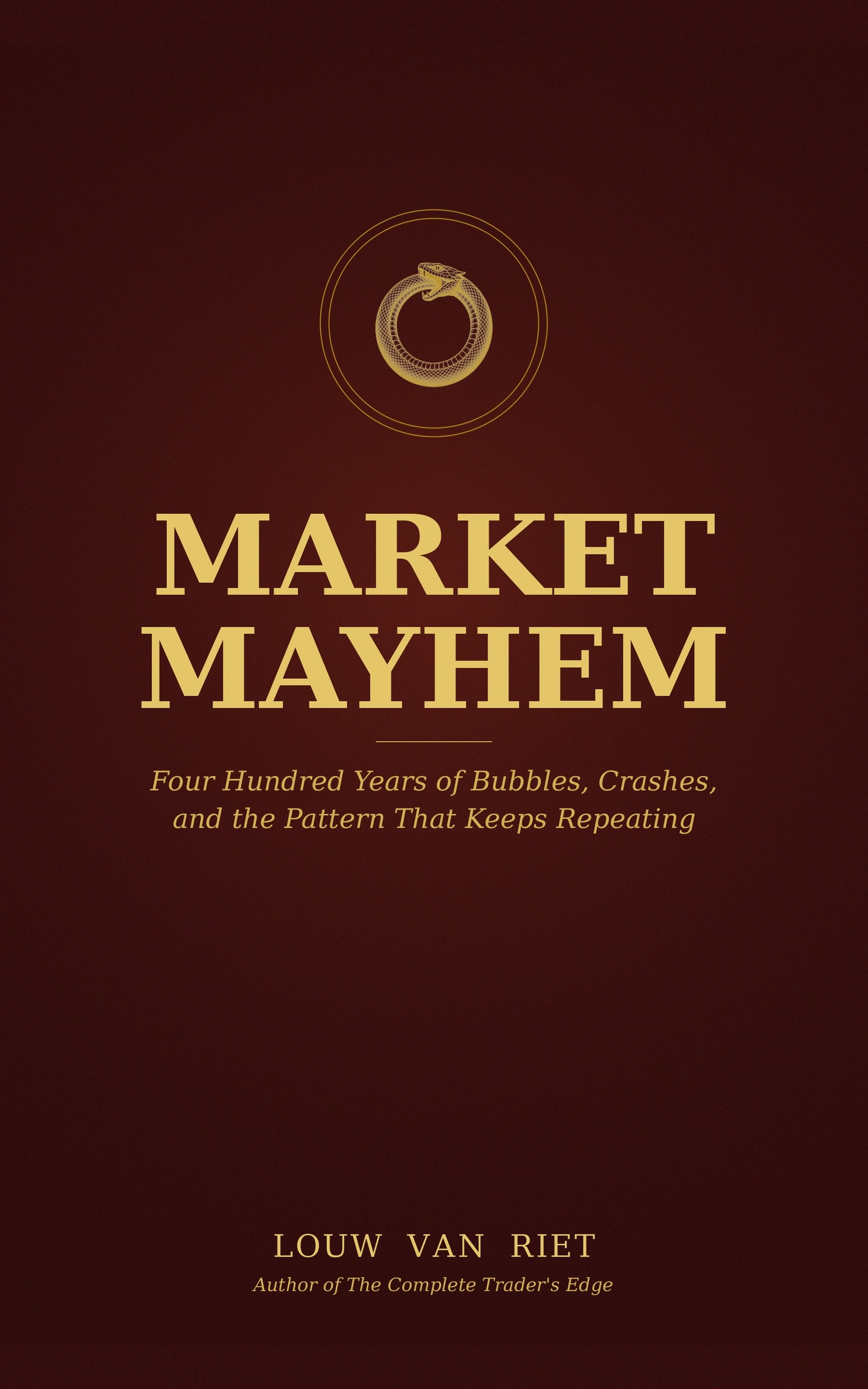 Market Mayhem
400 years of bubbles, crashes, and the pattern that keeps repeating.
Buy on Amazon →
Market Mayhem
400 years of bubbles, crashes, and the pattern that keeps repeating.
Buy on Amazon →
 Greatest Companies
How the world's greatest companies were built — and what traders learn from them.
View on Amazon →
Greatest Companies
How the world's greatest companies were built — and what traders learn from them.
View on Amazon →