

Python has a reputation as a programmer’s tool. It isn’t. In 2026, Python is the most practical way for non-technical traders to automate the repetitive parts of their workflow — pulling economic calendar data, calculating position sizes, scanning watchlists, and generating pre-session summaries. You don’t need to write elegant code. You need to write code that works.
This guide is for traders with no coding background. By the end, you’ll have three working scripts that save real time in your pre-market routine, and you’ll understand enough Python to adapt them to your own workflow.
Setting Up Python in 10 Minutes
You need two things: Python installed on your computer, and a code editor to write and run scripts.
Step 1 — Install Python: Go to python.org and download the latest version (3.11 or higher). During installation, check the box that says “Add Python to PATH.” This is the only technical setup you need to do.
Step 2 — Install a code editor: Download Visual Studio Code (code.visualstudio.com) — it’s free. Open it, install the Python extension (search “Python” in the Extensions panel on the left). Done.
Step 3 — Test the setup: Open VS Code, create a new file called test.py, type print("Hello trader") and press the Run button (triangle, top right). If you see “Hello trader” appear in the terminal at the bottom, you’re ready.
Total time: 10 minutes. You will not need any other setup for the scripts in this guide.
Script 1: Position Size Calculator
This script takes your account size, risk percentage, and stop distance, and outputs the exact position size for any instrument. Replace the mental arithmetic you do before every trade with a 2-second calculation.
position_size.py
# Position Size Calculator for ICT Traders
# Supports Gold (XAU/USD), NQ, ES, BTC, Oil
instruments = {
“Gold”: {“pip_value”: 10, “unit”: “lots”},
“NQ”: {“pip_value”: 20, “unit”: “contracts”},
“ES”: {“pip_value”: 50, “unit”: “contracts”},
“Oil”: {“pip_value”: 10, “unit”: “lots”},
}
account = float(input(“Account size ($): “))
risk_pct = float(input(“Risk % per trade: “))
stop_pts = float(input(“Stop distance (pips/points): “))
inst = input(“Instrument (Gold/NQ/ES/Oil): “)
risk_dollars = account * (risk_pct / 100)
pip_val = instruments[inst][“pip_value”]
size = risk_dollars / (stop_pts * pip_val)
print(f“n— POSITION SIZE —“)
print(f“Risk amount: ${risk_dollars:.2f}”)
print(f“Position size: {size:.2f} {instruments[inst][‘unit’]}”)
print(f“Round down to: {int(size)} {instruments[inst][‘unit’]}”)
Save this as position_size.py and run it from VS Code. It asks four questions and gives you the exact position size in seconds. Adapt the pip values to match your specific broker — they vary slightly between platforms.
Script 2: Economic Calendar Fetcher
This script pulls today’s high-impact economic events from a free API and displays them with their expected impact on your instruments. Run it at the start of every session to get a clean calendar in your terminal without opening a browser.
calendar_check.py
# First run: pip install requests
import requests, datetime
# Free calendar from ForexFactory JSON endpoint
today = datetime.date.today().strftime(“%b%d.%Y”)
url = f“https://nfs.faireconomy.media/ff_calendar_thisweek.json”
response = requests.get(url)
events = response.json()
# Filter for high-impact events today
high_impact = [
e for e in events
if e.get(“impact”) == “High”
and e.get(“date”, “”).startswith(today)
]
print(f“n=== HIGH IMPACT EVENTS TODAY ({today}) ===”)
if not high_impact:
print(“No high-impact events today. Trade normally.”)
else:
for e in high_impact:
print(f“{e[‘time’]:8} | {e[‘currency’]:4} | {e[‘title’]}”)
print(“nACTION: Reduce size or flat before listed events.”)
Before running this for the first time, open your VS Code terminal and type: pip install requests. This installs the library the script needs to fetch data from the internet. You only need to do this once.
Script 3: Weekly Trade Log Summariser
This script reads your weekly trade log from a CSV file and outputs a clean summary: win rate, average R, best and worst trades, and which days performed best. Drop it into your Sunday routine alongside the AI journal review.
weekly_summary.py
# First run: pip install pandas
import pandas as pd
# Load your trade log CSV
# Required columns: Date, Instrument, Direction,
# Outcome (Win/Loss/BE), R_Multiple
df = pd.read_csv(“trades.csv”)
wins = df[df[“Outcome”] == “Win”]
losses = df[df[“Outcome”] == “Loss”]
win_rate = len(wins) / len(df) * 100
avg_win = wins[“R_Multiple”].mean()
avg_loss = losses[“R_Multiple”].mean()
total_r = df[“R_Multiple”].sum()
print(“n=== WEEKLY TRADE SUMMARY ===”)
print(f“Trades: {len(df)} ({len(wins)}W / {len(losses)}L)”)
print(f“Win rate: {win_rate:.1f}%”)
print(f“Avg winner: {avg_win:.2f}R”)
print(f“Avg loser: {avg_loss:.2f}R”)
print(f“Total R: {total_r:.2f}R”)
# Best day of the week
df[“Day”] = pd.to_datetime(df[“Date”]).dt.day_name()
day_perf = df.groupby(“Day”)[“R_Multiple”].sum()
print(f“nBest day: {day_perf.idxmax()} ({day_perf.max():.2f}R)”)
print(f“Worst day: {day_perf.idxmin()} ({day_perf.min():.2f}R)”)
Save your trade log as trades.csv in the same folder as the script. The script expects columns named exactly: Date, Instrument, Direction, Outcome, R_Multiple. Match your existing column names to these or rename them in the script.
How to Adapt These Scripts
The most common adaptations traders make after getting these working:
Add your own instruments to Script 1: Copy any existing instrument line and change the name and pip value. BTC on most brokers: 1 pip = $1 per 0.01 contract. Always verify the exact value with your broker.
Run Script 2 automatically at a set time: On Windows, use Task Scheduler. On Mac, use cron (google “mac cron job” for a 5-minute setup guide). Schedule the calendar script to run at 07:00 every weekday — it appears in your terminal when you open your computer for the London session.
Add more analysis to Script 3: Ask Claude: “Here is my Python script. Add a section that breaks down win rate by instrument.” Paste the script, describe what you want, and Claude will write the additional code. You don’t need to understand every line — you need to understand what it does and whether the output is correct.
This “describe what you want, let AI write it” approach is how non-technical traders can use Python far beyond their coding ability. You become the architect; Claude becomes the coder.
What Not to Do with Python
Two common mistakes traders make when they start automating:
Trying to automate entries before you’ve automated analysis. The most valuable automation is the analytical layer — position sizing, calendar checks, performance summaries. Automated trade execution requires a broker API, reliability engineering, and risk management infrastructure that is far beyond a beginner Python project. Start with analysis automation. It produces more value and has no execution risk.
Over-engineering before validating. Write the simplest version that works. A 15-line position size calculator that you use every day beats a 200-line “comprehensive trading system” that you abandon after a week. Get the simple version running and used before adding complexity.
Frequently Asked Questions
Do I need any coding experience to use these scripts?
No. The scripts are written to be read and understood without coding knowledge. Each line does one thing, and the comments (lines starting with #) explain what it is. The only “coding” you need to do is change the numbers and text in quotation marks to match your own account size, instruments, and file names. If you get stuck, paste the error message into Claude and ask what it means — you’ll have an answer in seconds.
Are these scripts safe to run on my computer?
Yes. None of these scripts connect to your broker, access your trading account, or send any data anywhere except to the free ForexFactory calendar API in Script 2. They read and write only local files on your computer. There is no execution risk — they produce outputs for you to act on manually, not automated orders.
What if I get an error when running a script?
The most common errors are: (1) missing library — fix with pip install [library name] in the terminal; (2) file not found — the CSV filename in the script doesn’t match your actual file name; (3) column name mismatch — the script expects columns named exactly as written. Read the error message carefully — Python errors almost always tell you exactly what went wrong and on which line. If you’re stuck, paste the full error message into Claude and it will diagnose it immediately.
What is the best Python library for trading data analysis?
For the workflows in this guide: pandas for reading and analysing CSV data, requests for fetching data from APIs. For more advanced analysis: matplotlib for charting your equity curve, numpy for statistical calculations. All are free, widely documented, and installable with a single pip install command. Don’t install anything you’re not actively using — keep your setup simple until you have a specific need.
How does Python automation compare to using AI tools like Claude directly?
They serve different purposes. Python scripts run locally on your computer, work offline, and handle repetitive tasks automatically (position sizing, log summarisation). Claude handles complex analytical tasks that require understanding context — reviewing journal entries, identifying patterns across trades, answering nuanced questions about your strategy. The best setup uses both: Python handles the mechanical data processing, Claude handles the analytical interpretation. The weekly summary script feeds clean data to the AI review prompt.
▶ CONTINUE READING
Build your complete automated trading toolkit:
▶ TradingView Pine Script for Beginners: Your First Indicator in 30 Minutes
▶ How to Use AI to Review Your Trading Journal Each Week
▶ The Best AI Trading Tools in 2026: What Actually Works vs What’s Hype
The Complete Trader’s Edge
Chapter 67 covers building a modern trader’s toolkit — how to integrate technology into your trading process without letting it replace the skills that create real, durable performance.
 The Complete Trader's Edge
The full Mind · Method · Money framework. 70 chapters.
View on Amazon →
The Complete Trader's Edge
The full Mind · Method · Money framework. 70 chapters.
View on Amazon →
 Market Mayhem
400 years of bubbles, crashes, and the pattern that keeps repeating.
Buy on Amazon →
Market Mayhem
400 years of bubbles, crashes, and the pattern that keeps repeating.
Buy on Amazon →
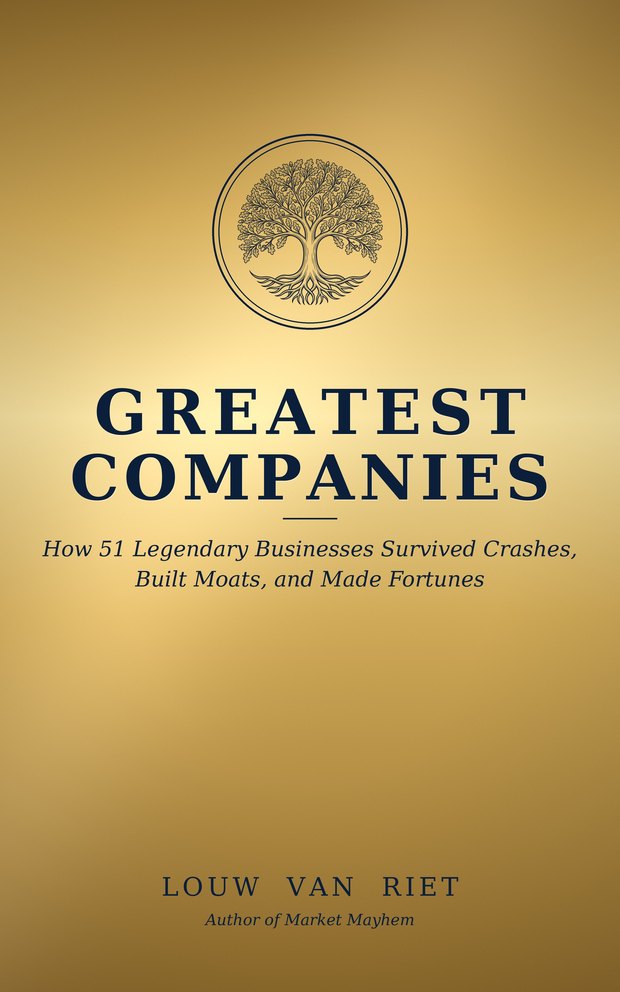 Greatest Companies
How the world's greatest companies were built — and what traders learn from them.
View on Amazon →
Greatest Companies
How the world's greatest companies were built — and what traders learn from them.
View on Amazon →