

TradingView is the default for a reason: a usable free plan, a huge script library and charts for almost every market. So the useful question is not “what is better than TradingView?” It is “what does TradingView not do for me?” If the answer is automation, order flow, or more charts on screen without paying for a top tier, there is a better tool for that job.
Below are eight alternatives, grouped by the gap they fill, with the honest trade-off for each. Where we have reviewed a platform in full, we link to it.
Quick picks: the best TradingView alternative by need
| If you need… | Look at | Starting cost |
|---|---|---|
| No-code backtesting and automated analysis | TrendSpider | From $54/month (annual); paid trial |
| Order flow in a browser | GoCharting | Free plan; CME data $35/month |
| Many charts on one screen, free | OpenMarket | Free |
| One flat price, Python scripting, crypto execution | TakeProfit | $20/month; 30-day free trial |
| Resting liquidity as a heatmap | Bookmap | See our review |
| A full desktop order flow workstation | ATAS | See our review |
| Futures charting and brokerage in one | NinjaTrader | See our review |
| Speed and low cost over looks | Sierra Chart | See our review |
For reference, TradingView’s paid plans run from about $12.95 a month (Essential) to $199.95 (Ultimate) on annual promotional pricing. Our TradingView review covers what each tier includes.
1. TrendSpider – best for automation and backtesting
TrendSpider draws trendlines and patterns automatically, overlays higher-timeframe levels on your execution chart, and backtests rules without code. It suits traders who already have written rules and want to test and scan them at scale.
The trade-off: it is expensive once you count the add-ons. Plans start at $54 a month on annual billing, the 14-day trial is paid, and futures data and extra AI messages cost more. Our TrendSpider review prices the full setup.
2. GoCharting – best for order flow in the browser
GoCharting puts footprint charts, Market Profile, delta and depth of market in a browser tab, so it works on a Mac, a Chromebook or a tablet without installing anything. There is a free plan with end-of-day data and basic footprint, and CME futures data costs $35 a month on its US pricing page. It also covers Indian exchanges (NSE, BSE, MCX) better than most rivals.
The trade-off: pricing is split into data packages by market, the US stock package was listed as unavailable when we checked, and its community and script library are small next to TradingView’s.
Open a free GoCharting account →
3. OpenMarket – best free multi-chart terminal
OpenMarket, the team behind the Kiyotaka terminal, has made its core platform free: up to 16 charts per layout, unlimited classic indicators and more than 5,000 economic data series. It adds order-book heatmaps, volume footprints and cumulative volume delta across crypto and CME futures, plus US stocks, forex, commodities, indices and prediction markets. Alerts go to email, webhooks, Discord or Telegram, and custom indicators use its kScript language.
The trade-off: its roots are in crypto, the platform is young, and free products change their terms. Its headline comparisons with TradingView’s pricing are its own marketing. Treat it as an excellent free second screen before you make it your only one.
4. TakeProfit – best flat-price terminal for crypto traders
TakeProfit is a browser terminal with its own charting engine, 400 cloud alerts that do not expire, a Python-based scripting language called Indie, and live execution on supported exchanges. Every feature sits in a single $20-a-month plan with a free 30-day trial, and it returns up to 50% of trading fees as cashback in USDC.
The trade-off: the execution side is aimed at crypto exchanges, and a fee cashback is a reward for trading more. That is a Mind problem, not a Method one: a rebate that nudges you towards extra trades costs more than it saves. Take the charts and alerts on their merits and ignore the cashback when deciding whether to trade.
5. Bookmap – best for seeing resting liquidity
Bookmap shows the order book over time as a heatmap, so you can see where large resting orders sit, get pulled or get absorbed. It answers a different question from a footprint chart, which shows what already traded. Futures and crypto scalpers are its core users.
The trade-off: the heatmap is compelling to watch and easy to over-read. Our Bookmap review covers the plans and who it suits.
6. ATAS – best desktop order flow workstation
ATAS is a dedicated order flow platform with deep footprint, cluster and delta tools and a large set of specialist indicators. For traders who read order flow all session from one Windows machine, it is one of the most complete options.
The trade-off: it is desktop software with a learning curve. Our ATAS review has the details.
7. NinjaTrader – best for futures in one place
NinjaTrader combines a futures charting platform with its own brokerage, and its ecosystem of third-party add-ons is large. For futures traders who want charting, execution and a broker under one roof, it is the obvious comparison with TradingView.
The trade-off: it is built around futures, and add-ons and data can add up. See our NinjaTrader review.
8. Sierra Chart – best value if you can live with the interface
Sierra Chart is fast, stable and inexpensive, and it is popular with order flow and futures traders who care about performance more than appearance. Its interface is dated and the learning curve is steep.
The trade-off: expect to spend real time on setup. Our Sierra Chart review explains whether the savings are worth it.
When TradingView is still the right choice
Stay where you are if you trade price action on a handful of markets, rely on community scripts, or want one account that covers stocks, forex, crypto and futures with a free starting point. None of the alternatives above matches TradingView’s breadth and community.
The most common setup we see among serious traders is two tools, not one: TradingView for markup and a specialist platform for the job it does badly, whether that is backtesting, order flow or liquidity. Switching platforms will not fix a strategy that does not work. Test the rules first; our backtesting guide shows how.
TradingView Alternatives: FAQs
What is the best free alternative to TradingView?
OpenMarket for free multi-chart layouts with order-book heatmaps and footprints, and GoCharting’s free plan if you want to learn footprint charts and Market Profile. Both have limits, so check which markets and data each covers.
What is the best TradingView alternative for order flow?
ATAS for a full desktop workstation, GoCharting for order flow in a browser, and Bookmap if you want to see resting liquidity rather than executed volume.
Which TradingView alternative is best for backtesting without code?
TrendSpider. Its visual strategy tester builds rules from menus rather than code, though the depth of your backtests depends on the plan you pay for.
Is there a cheaper alternative to TradingView?
OpenMarket is free, GoCharting has a free plan, and TakeProfit charges a flat $20 a month. Sierra Chart is also known for low running costs. Compare the total including market data, not just the plan price.
Can I use TradingView alongside another platform?
Yes, and many traders do: TradingView for charting and markup, and a second tool for backtesting, order flow or liquidity. Just avoid paying for two tools that do the same job.
Build your stack
Every tool we recommend, in one place
Our tools hub groups the charting, order flow, screening and journaling software we rate, with links to each full review.
Affiliate disclosure: Some links on this page may be affiliate links. If you subscribe through them, we may earn a commission at no extra cost to you. It does not affect which platforms we include or how we assess them. Trading leveraged products carries a high risk of loss.
 The Complete Trader's Edge
The full Mind · Method · Money framework. 70 chapters.
View on Amazon →
The Complete Trader's Edge
The full Mind · Method · Money framework. 70 chapters.
View on Amazon →
 Market Mayhem
400 years of bubbles, crashes, and the pattern that keeps repeating.
Buy on Amazon →
Market Mayhem
400 years of bubbles, crashes, and the pattern that keeps repeating.
Buy on Amazon →
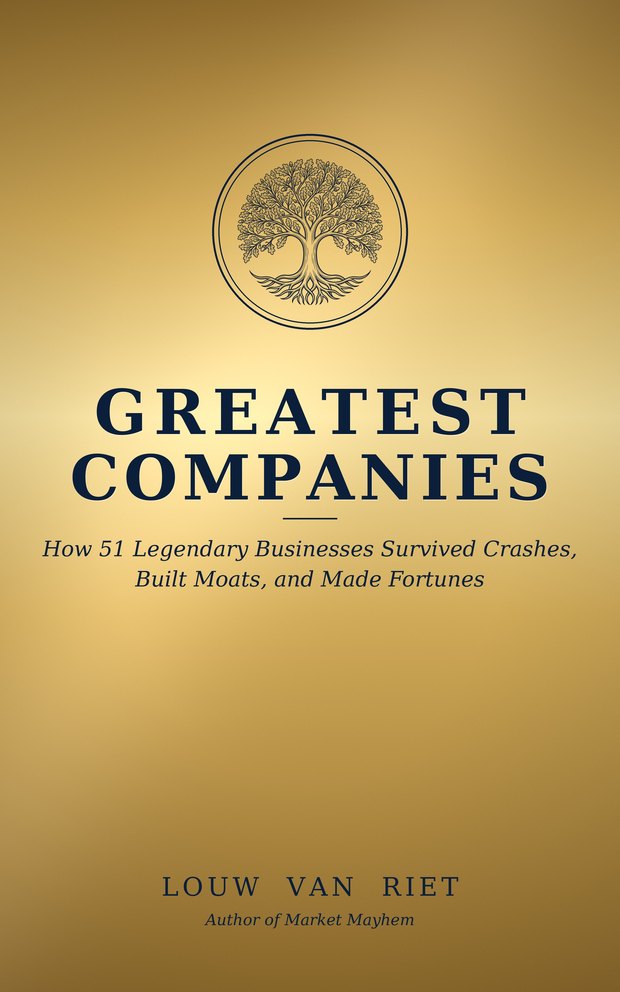 Greatest Companies
How the world's greatest companies were built — and what traders learn from them.
View on Amazon →
Greatest Companies
How the world's greatest companies were built — and what traders learn from them.
View on Amazon →
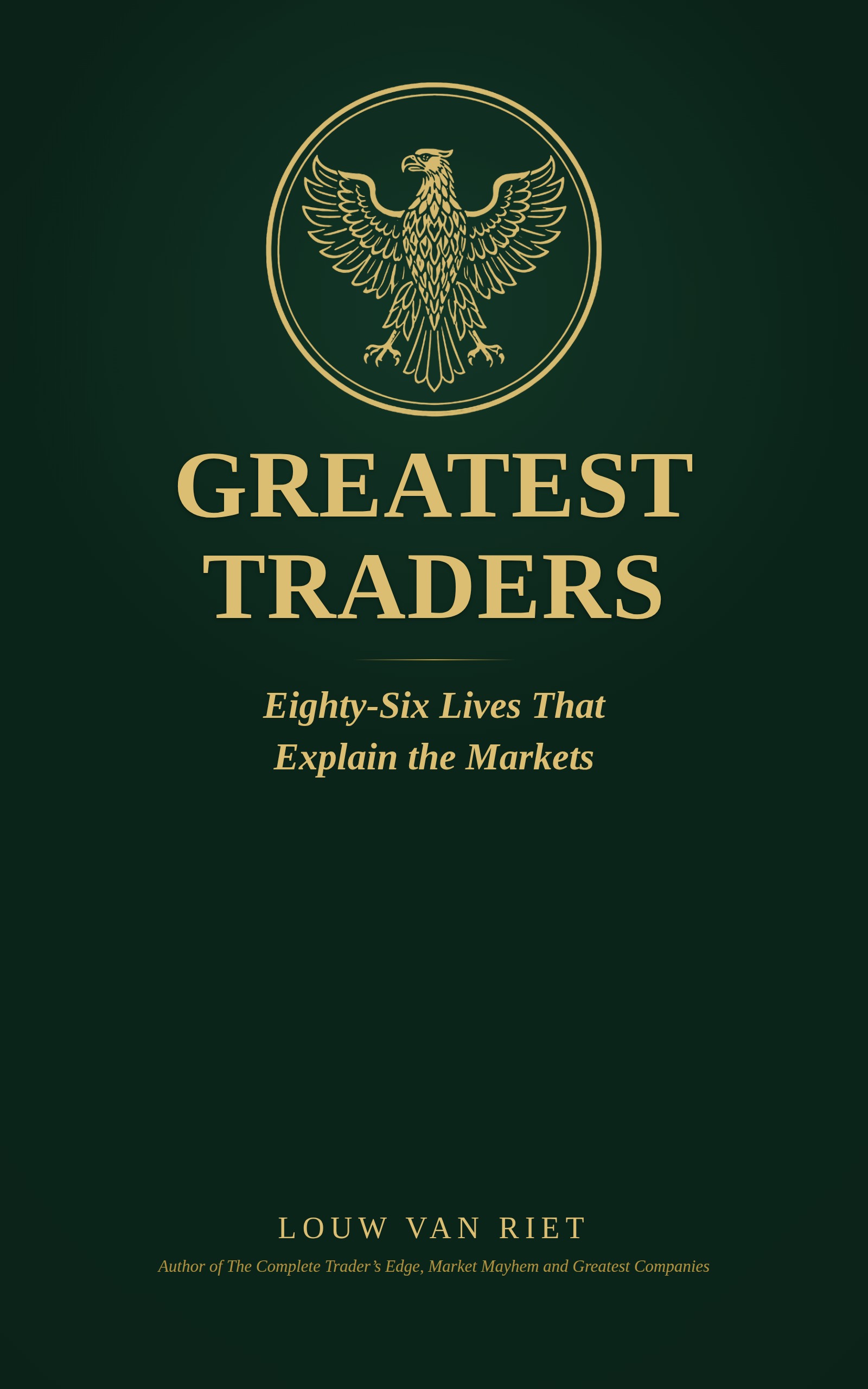 Greatest Traders
Eighty-six lives that explain the markets — Livermore to Madoff, told with the losses left in.
View on Amazon →
Greatest Traders
Eighty-six lives that explain the markets — Livermore to Madoff, told with the losses left in.
View on Amazon →